
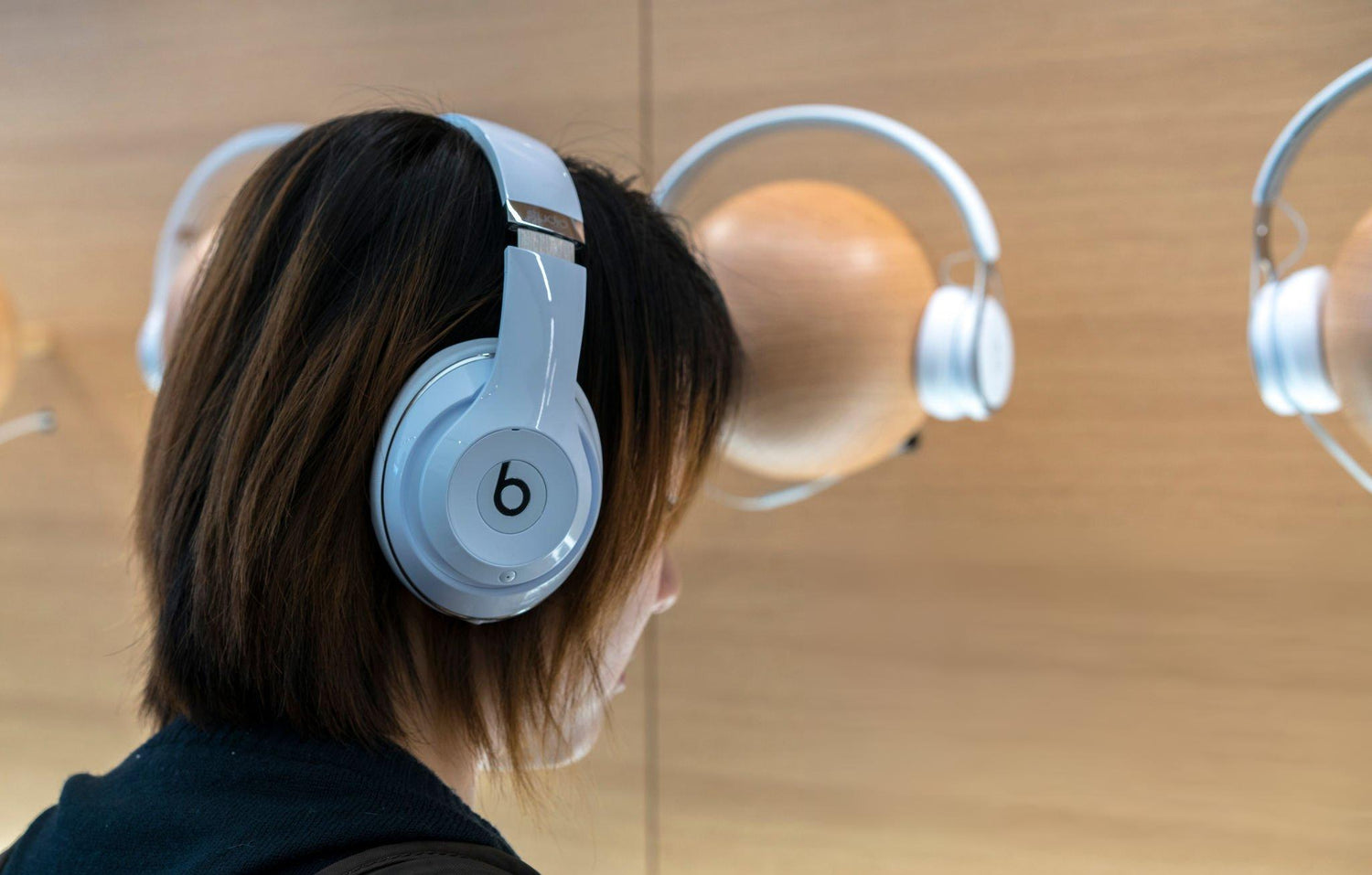
When Your Beats Go Silent: Start With Parts
Your Beats by Dre wireless headset refuses to turn on: no LED, no chime, no Bluetooth pairing, just silence. That does not always mean the headphones are beyond saving. Power problems are often tied to wear items such as the internal battery, the headband shell that protects ribbon cables, or cushions and tips that help seal out sweat and moisture. The key is knowing exactly which Beats model you have so you can match it with compatible replacement parts.
At CentralSound, we focus on replacement and upgraded parts for popular Beats models, not repair services or technical support. This guide will help you identify your specific Beats model and understand which parts commonly fail on Solo, Studio, and Beats earbud lines, plus, how the right replacement components can help extend the life of your headphones.
How to Find Your Exact Beats Model and Model Number
Before you look for a new battery, headband, or ear cushions, you need the exact model. A Beats by Dre wireless headset can mean many things: Solo2, Solo3, Studio2, Studio3, Studio Pro, or several earbud styles, and each uses different part shapes and connections.
Start with the physical shape and size:
- On‑ear headphones with smaller cushions that rest on the ear are usually Beats Solo models.
- Over‑ear headphones with larger cups that surround the ear are typically Beats Studio or Beats Pro models.
- Compact in‑ear models with a case are usually Beats Studio Buds, Studio Buds+, Beats Fit Pro, or Powerbeats Pro.
- Sport hooks around the ear indicate Powerbeats or Powerbeats Pro.
Then look for printed model info on the headset itself:
- On‑ear and over‑ear: Check inside the headband, on the slider arms, or under the ear pads. Typical markings include Solo2 Wireless or Solo3 Wireless sharing model A1796, Studio2 or Studio3 Wireless with A1914 or similar, and Studio Pro around A2924.
- Earbuds: Open the case and look inside the lid for very small printed text, or along the stem or inner housing of each earbud. Studio Buds often show A2512/A2513, and Beats Fit Pro around A2558.
If your Beats are already paired to an Apple device, the software can confirm the model name:
- On iPhone or iPad, go to Settings > Bluetooth and tap the “i” next to your Beats name, or go to Settings > General > About and scroll until you see the Beats listing.
- On Mac, open System Settings > Bluetooth and look for the full product name.
Once you know the exact name and model, you can search centralsound.co for matching parts, for example, “Beats Solo3 replacement battery,” “Beats Studio3 headband,” or “Beats Studio Buds ear tips,” to ensure you order parts designed for your specific headset.
Common Power-Related Part Failures on Beats Solo Wireless Models
On Beats Solo wireless models, power complaints often trace back to a few hardware components that naturally wear out over time:
- Internal lithium battery packs
- Headband shells that protect internal wiring
- Ear cushions that help keep sweat and moisture away from electronics
Beats Solo2 Wireless (A1796, Micro-USB)
Solo2 Wireless is an older design where age‑related battery wear is very common. Symptoms such as headphones shutting off quickly after charging or only running briefly usually indicate a weak battery pack.
Typical Solo2 wear items:
- Battery: A tired cell may cause the headset to power on briefly, then shut down. A Solo‑series replacement battery from CentralSound is the main part associated with this failure.
- Headband shell: Cracks in the headband can stress the internal ribbon cable and place uneven pressure on the cups. A replacement Solo headband shell helps protect wiring and restores proper structure.
- Ear pads: Flattened or peeling cushions allow more sweat and oils to reach the driver housings. New Solo2‑compatible ear pads help protect internal parts and restore comfort.
Beats Solo3 Wireless (A1796, Lightning)
Solo3 Wireless adds Apple’s W1 chip and changes the charging port, but the typical hardware wear points are similar.
Common Solo3 part‑related issues:
- Degraded battery: If a Solo3 seems to charge but shows short runtime or never feels like it reaches a full charge, the internal battery capacity may be reduced. A Solo3‑compatible replacement battery is the primary corrective part.
- Ear cushions: Worn pads can lead to poor fit and more exposure of internal seams to moisture. CentralSound carries Solo‑series cushions in multiple colors to refresh the fit and help protect the new battery and wiring.
- Headband: Stress cracks or looseness in the headband shell can contribute to intermittent power behavior by flexing internal cables. Replacing the headband shell can stabilize the structure.
Newer USB‑C Solo Models
Newer Solo variations with USB‑C charging still rely on similar categories of parts. Over time, users typically see:
- Battery packs that no longer deliver original runtime
- Cushions that flatten or flake
- Headbands that crack near the hinges
When you are already sourcing a new battery on centralsound.co, it is practical to add matching Solo‑series ear cushions and, if needed, a replacement headband so that once the worn components are swapped, the headset feels refreshed and better protected.
Common Power-Related Part Failures on Beats Studio Wireless Models
Beats Studio over‑ear headphones include active noise canceling and additional electronics, so their power issues are often tied to the health of the battery and the protection provided by the headband and cushions.
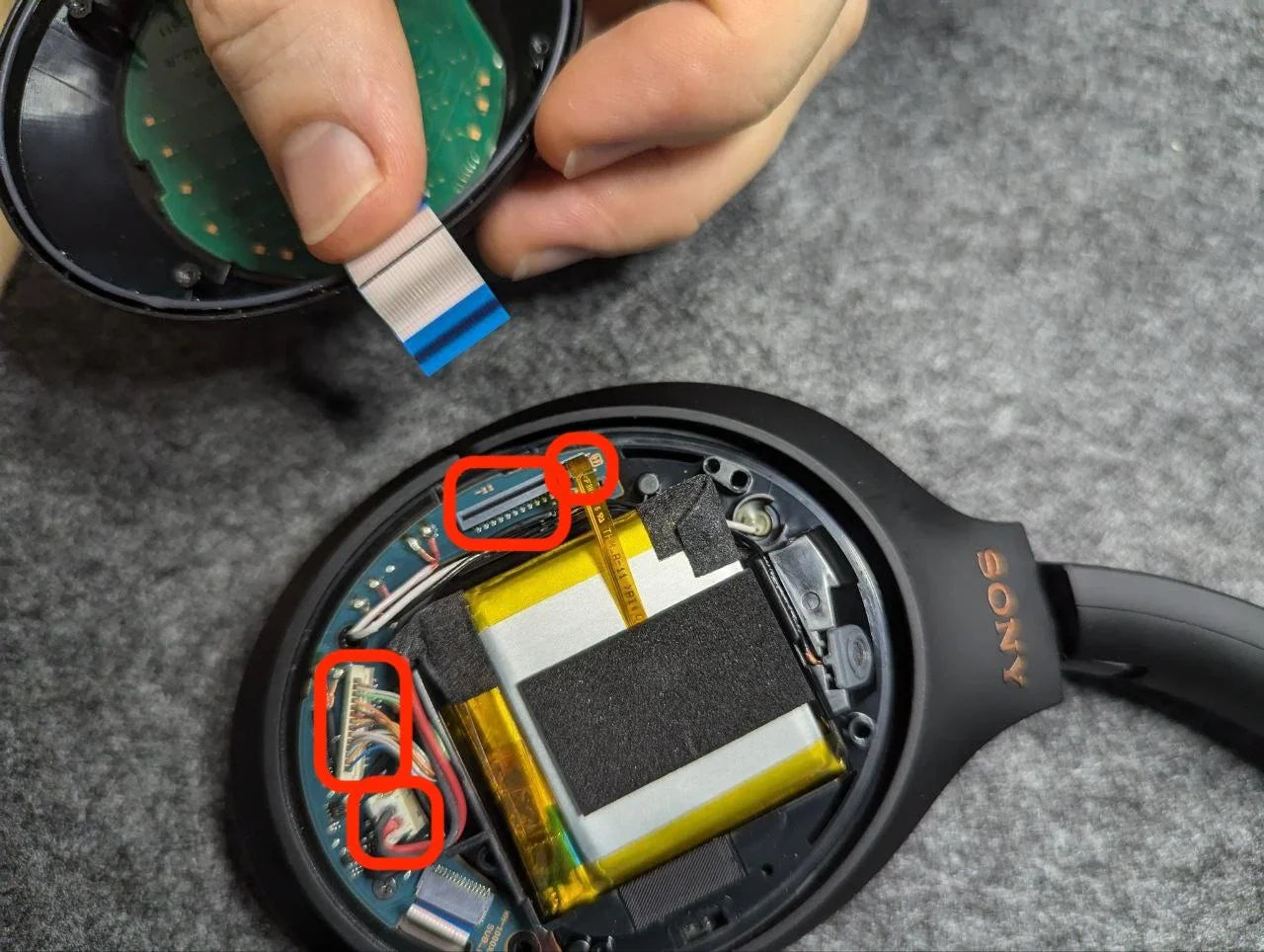
Inside the Studio headband, thin ribbon cables connect the cups. A cracked or stressed headband shell can expose those cables to bending and pinching.
Beats Studio2 Wireless (Micro-USB)
Typical Studio2 wear items related to power complaints:
- Battery: Short runtime, shutting off when ANC is enabled, or dying quickly at low volume frequently indicates a worn Studio2 battery. CentralSound offers Studio‑specific battery packs shaped for the internal cup design.
- Headband shell: Visible cracks or creaks in the Studio2 headband often mean the internal ribbon cable is being stressed. A replacement Studio2 headband shell helps restore proper support for those cables.
- Ear cushions: Once pads flatten or the outer layer peels, moisture and oils can enter around the baffle. Fresh Studio2 cushions help maintain a better seal and protect the updated components.
Beats Studio3 Wireless
Studio3 Wireless looks similar to Studio2 but uses a newer chipset and ANC system.
Common part‑related indicators:
- Battery: If the headset runs only a short time on a full charge or powers off quickly when ANC is turned on, the built‑in battery is often at the end of its useful life. A Studio3‑compatible battery pack from CentralSound is the primary replacement part for this symptom.
- Ear cushions: Uneven or collapsed cushions can place extra strain on the cup joints and may contribute to intermittent contact inside the housing. Replacing Studio3 ear pads alongside the battery helps restore even pressure around the ear.
- Headband components: Cracked Studio3 headbands are a frequent cosmetic and structural failure. A new headband shell brings back rigidity and helps safeguard the internal ribbons.
Beats Studio Pro (USB‑C)
Studio Pro models rely heavily on the internal battery to support ANC and digital audio through USB‑C.
When users report that Studio Pro only wakes when on a charger or that runtime has noticeably dropped, the usual hardware culprits are:
- Battery pack: A high‑cycle or aged pack can cause rapid shut‑offs. CentralSound stocks Studio Pro‑specific batteries designed for the updated cup layout.
- Cushions: Because Studio Pro pads are part of the acoustic design, worn or degrading cushions can impact both comfort and how securely the cups sit, which can indirectly stress internal connections. Replacement Studio Pro cushions refresh the contact surface and help keep internal assemblies stable.
Earbuds and Sport Models: Small Parts, Big Impact
Beats earbuds and sport models distribute power across very small batteries in both the buds and the case. Over time, several small parts related to charging and fit can wear out:
- Case battery (for models with built‑in charging cases)
- Bud batteries
- Silicone ear tips and wings
- Charging contacts in the case and on the buds
Beats Studio Buds / Studio Buds+
For Studio Buds and Studio Buds+, the most commonly replaced parts on centralsound.co are:
- Ear tips: Torn, stretched, or hardened tips can break the seal and let moisture reach sensitive seams more easily. CentralSound carries replacement ear tip sets in multiple sizes so you can restore isolation and help shield the internals.
- Case‑related components: If the case no longer holds a reliable charge over a normal day of use, the internal case battery is often aged. While case batteries are model‑specific and more involved to access, sourcing the correct Studio Buds‑compatible battery from a parts supplier is the first step when planning a hardware refresh.
Beats Fit Pro and Powerbeats Pro
Fit‑oriented Beats models introduce extra contact points and moving hooks or wings. Common wear items include:
- Ear tips and wings: As tips and wings loosen or tear, earbuds may not seat correctly in your ears or in the case, which can lead to inconsistent charging. CentralSound offers replacement tips and, where applicable, wing sets to restore proper seating.
- Charging contacts: The small metal contacts in the case and on the buds can accumulate oils and debris over time. While cleaning is not a replacement part, once contacts are clean, consistently poor charging can still indicate wear in the case battery or bud batteries, which are available as model‑specific parts.
Many users refer to these as a “Beats by Dre wireless headset,” but their failure patterns differ from full‑size headphones. Ear tips, wings, and contact surfaces are critical consumables; keeping those fresh with compatible CentralSound replacements helps maintain a stable connection and better protects the internal electronics.
Recognizing When a Battery or Wear Part Is the Likely Culprit
Distinguishing between a worn battery or cushion and deeper circuit failure is useful when choosing parts:
More likely a battery or other wear part when:
- The headset or earbuds still show occasional signs of life (brief power‑on, LEDs flicker, short usage windows).
- Runtime has gradually shortened over months of use.
- The device behaves normally when first charged, then shuts off quickly.
More likely deeper board damage when:
- There is no response at all despite trying different chargers and cables.
- LEDs never flash or show activity even after checking ports and contacts.
- Visible liquid damage or severe physical impact is present.
CentralSound does not perform repairs, but it does supply the parts most people need when wear items fail:
- Replacement batteries for common Beats Solo and Studio generations
- Replacement headbands and hinges for popular Beats over‑ear and on‑ear models
- Replacement ear cushions and ear tips for full‑size and in‑ear Beats
Maintaining and Protecting Your Beats with the Right Parts
To get the most value out of your Beats and any new parts you install, ongoing maintenance is important:
- Protect the battery: Avoid storing your headphones or earbuds fully drained for long periods. Keep them away from extreme heat or cold that can age lithium cells faster.
- Refresh cushions and tips: Swap ear pads, ear tips, and wings once they show flattening, peeling, or tears. Fresh cushions from CentralSound not only improve comfort and isolation but also help protect drivers and wiring from sweat and dust.
- Support the structure: If you notice hairline cracks in the headband or hinge areas, consider replacing those shells or hinge pieces before the damage spreads. A solid headband helps keep internal ribbon cables from flexing excessively.
- Store properly: Use a protective case when the headphones are not in use to limit accidental drops or twists that can stress the housing and internal connections.
By focusing on the common wear parts, batteries, headbands, cushions, tips, and hinges, you can extend the practical life of many Beats Solo, Studio, and earbud models. CentralSound’s catalog is built around these replacement components, allowing you to source the correct parts for your specific model and keep your favorite headset in service longer, without relying on a repair service.
Upgrade Your Listening Experience With Reliable Beats Support
If your Beats by Dre wireless headset needs fresh parts to sound and feel like new again, we are here to help. At CentralSound, we focus on quality replacement components that fit right, last long, and keep your music uninterrupted. Explore the parts you need, and if you are not sure what to choose, just contact us so we can point you in the right direction.


Leave a comment
All comments are moderated before being published.
This site is protected by hCaptcha and the hCaptcha Privacy Policy and Terms of Service apply.