
Turn Long Flights and Gaming Sessions Into Comfort
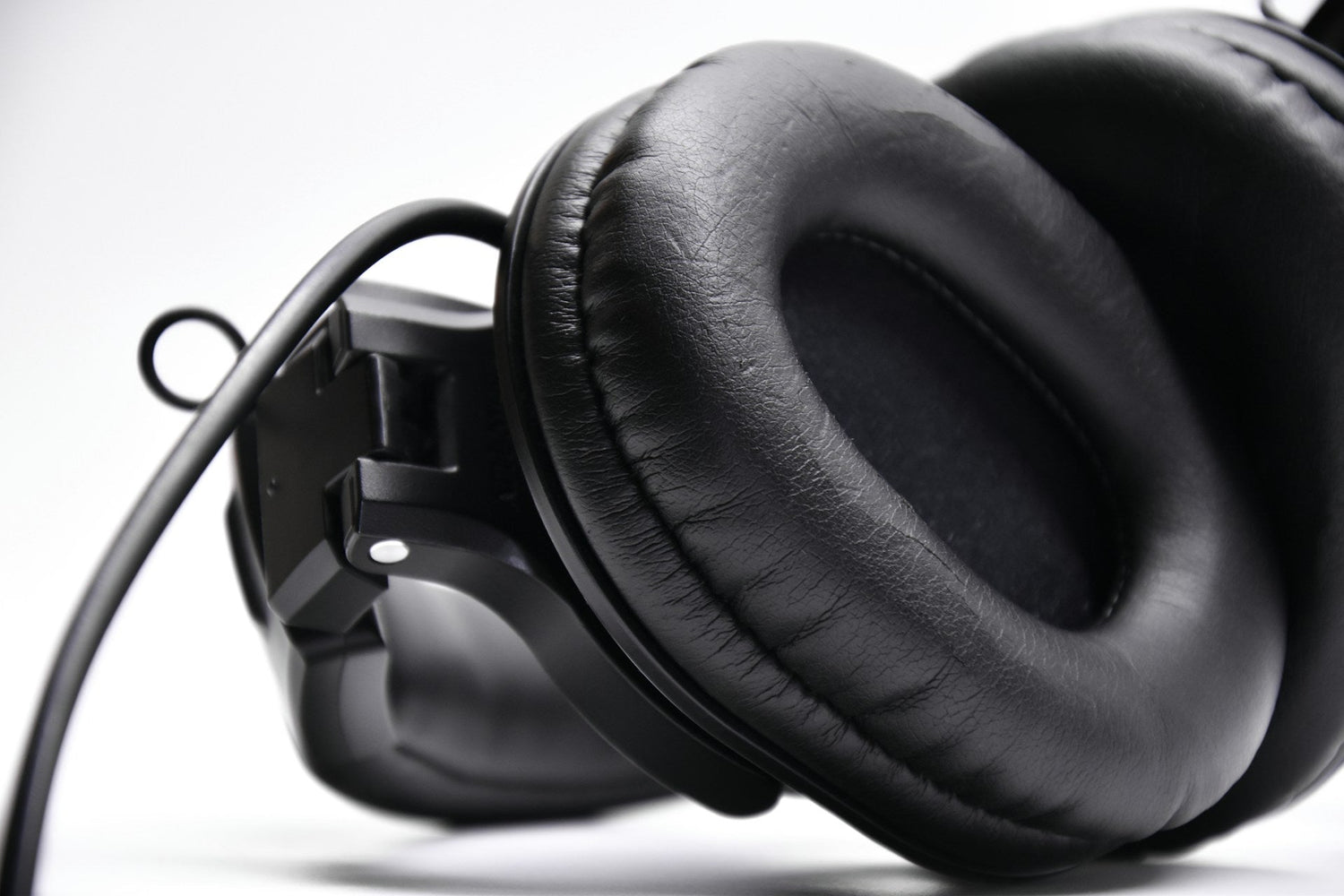
Long flights and marathon gaming sessions are hard enough without sore ears, sweat, and pressure headaches. When your headphones start to hurt after an hour, everything feels longer, louder, and more tiring. Memory foam ear cushions help fix that by making your headset feel softer, cooler, and easier to wear for many hours at a time.
In this article, we will talk about what memory foam ear cushions actually are, why stock pads feel so bad on long trips, how memory foam changes your experience, and how to pick the right style for your headset. We will also share simple tips for installing, breaking in, and caring for new pads so your headphones stay comfortable through summer travel and long gaming breaks.
Why Stock Ear Pads Fail on Long Trips
Most factory ear pads feel okay when the headphones are new. After a while, they start to break down. The fake leather cracks or peels, the foam flattens, and the edges get stiff. On a short commute that might not bother you. On a six-hour flight or a long gaming night, those hard edges can dig into your jaw and the top of your ear.
Once summer heat and humidity kick in, worn pads get worse. The surface can get sticky. Sweat soaks into the flat foam and takes longer to dry. That does not just feel gross, it also makes the pads age faster and can leave a smell that is hard to ignore.
Old pads also change how your headphones sound. When the foam collapses, the seal around your ear gets weaker. More outside noise leaks in, so you crank the volume to hear your movie or game. Over time, that:
- Increases ear fatigue
- Makes voices and small details harder to hear
- Can leave you with a dull headache after long use
Many people think they bought “uncomfortable” headphones when the real problem is dead ear pads. Drivers and headbands usually last a long time. Memory foam ear cushions let you fix comfort and isolation directly, without replacing the whole headset.
How Memory Foam Ear Cushions Change the Experience
Memory foam is a slow-rebound foam that molds to your shape instead of bouncing right back. When used in ear cushions, it spreads pressure across a wider area. That means fewer hot spots where the pad digs into one small part of your ear or skull.
Here is what that feels like in real use:
- On a long flight, the pads rest gently on the side of your head instead of squeezing
- During a marathon gaming session, you do not feel a sharp ring around your ears
- When you shift in your seat or adjust your glasses, the seal recovers smoothly
As the foam warms slightly from your skin, it conforms to the curves around your ear. That better seal helps:
- Reduce engine noise on planes
- Block some of the chatter at a busy airport gate
- Keep game audio clear in a loud room
Because the cushions match your shape, the headset also feels more stable. When you lean back, look down at a controller, or move in your chair, the pads tend to stay put instead of sliding around.
Temperature and sweat control depend a lot on the outer material around the memory foam. Common options include:
-
Protein leather: Soft, smooth, and great for blocking sound on planes, but can warm up faster in a hot room
-
Velour: Cloth-like and breathable, often cooler for long gaming sessions, but lets in a bit more outside noise
- Hybrid mesh: Mix of leather and fabric, trying to balance isolation with airflow
For travel, memory foam cushions help you watch movies, nap, or listen to white noise without constant adjusting. For remote work, they keep calls more comfortable through a full workday. For gaming, they make six-hour raid nights or tournaments feel less like a physical challenge and more like a normal session.
Choosing the Right Memory Foam Cushions for Your Headset
To get the benefits of memory foam ear cushions, you need pads that actually fit your specific headphones. The shape and mounting style matter as much as the foam itself.
Key fit points to check:
-
Over-ear vs on-ear: Make sure the pad type matches how your headphones are designed to sit
-
Mounting style: Some pads twist and lock into place, others snap on, others use an adhesive ring
- Opening size: The inner hole should be large enough so your ears are not crushed
At CentralSound we clearly list compatible models for each replacement cushion so you can match your headset with less guesswork.
Next, choose the material that fits how you use your headphones most:
-
Protein leather: Great for frequent flyers who care about noise isolation and a snug seal
-
Velour: Better for gamers and people in warmer rooms who care about airflow and a dry feel
- Hybrid designs: Nice if you split time between travel, work calls, and gaming
Thickness and firmness matter too. Thicker, softer pads can feel like pillows around your ears, but they might change how close the drivers sit to your ear. This can slightly affect soundstage and bass. Slimmer, firmer pads keep the drivers closer to their stock position, which can keep the sound closer to the original tuning while still improving comfort.
Think about your main priority:
-
Mostly travel: Choose stronger isolation, structured foam, and a snug seal
-
Mostly gaming or streaming: Choose more breathable covers and a thickness that clears glasses comfortably
- Mixed use: A mid-thickness, hybrid material pad usually balances both worlds
Install, Break in, and Care for New Ear Cushions
Installing new pads is usually simple once you understand how your specific headset holds them in place. Most follow a basic pattern:
- Gently pull off the old pads, starting at one point and working around
- Line up tabs, slots, or the adhesive ring of the new memory foam cushions
- Press around the edges until everything feels locked, smooth, and even
We share model-specific videos on our YouTube channel so you can see the steps before you start. Watching the process once can save a lot of trial and error.
Memory foam can feel slightly firm on day one. That is normal. Over the first few long sessions, it softens a bit and learns your head shape. We suggest breaking pads in during regular use before a big flight or tournament. That way, you can check for any pressure spots and adjust headband size ahead of time.
To keep your new cushions fresh longer:
- Wipe protein leather surfaces with a soft, slightly damp cloth after sweaty gaming
- Let your headphones air dry after flights instead of tossing them right into a closed case
- Use mild soap and water only on fabric or velour, and let them dry fully before use
- Avoid harsh cleaners, alcohol wipes, and long hours in direct sun, since these can dry and crack the cover
Even with good care, ear cushions are comfort parts that wear out. Signs it is time for another replacement include:
- Foam that does not bounce back or looks flat
- Cracks, peeling, or flaking on the surface
- A weaker seal and more outside noise than before
- Lingering odors even after cleaning
Treating pads as regular maintenance keeps almost any headset feeling close to new.
Preserve Comfort and Performance on Every Trip and Session
Upgrading to quality memory foam ear cushions turns many “two hour” headphones into gear you can wear all day. Long flights feel calmer, remote work feels less tiring, and summer gaming sessions feel more relaxed when your ears are not sore or overheated.
At CentralSound, we focus on model-specific replacement parts like ear cushions, hinges, sliders, batteries, cables, and cases so you can extend the life and comfort of the headphones you already like. Before your next trip or gaming marathon, take a close look at your current pads, test how well they block noise, and notice any pressure or sweat issues. A simple cushion upgrade can be the small change that makes every long session easier to enjoy.
Upgrade Your Listening Comfort And Sound Quality Today
Experience longer, more focused listening sessions with CentralSound’s premium memory foam ear cushions designed to enhance both comfort and audio clarity. We carefully engineer every pair to reduce pressure, improve isolation, and refresh worn-out headphones so you can enjoy your gear like new again. If you have questions about compatibility or need help choosing the right model, you can contact us for quick, personalized support.

Leave a comment
All comments are moderated before being published.
This site is protected by hCaptcha and the hCaptcha Privacy Policy and Terms of Service apply.