
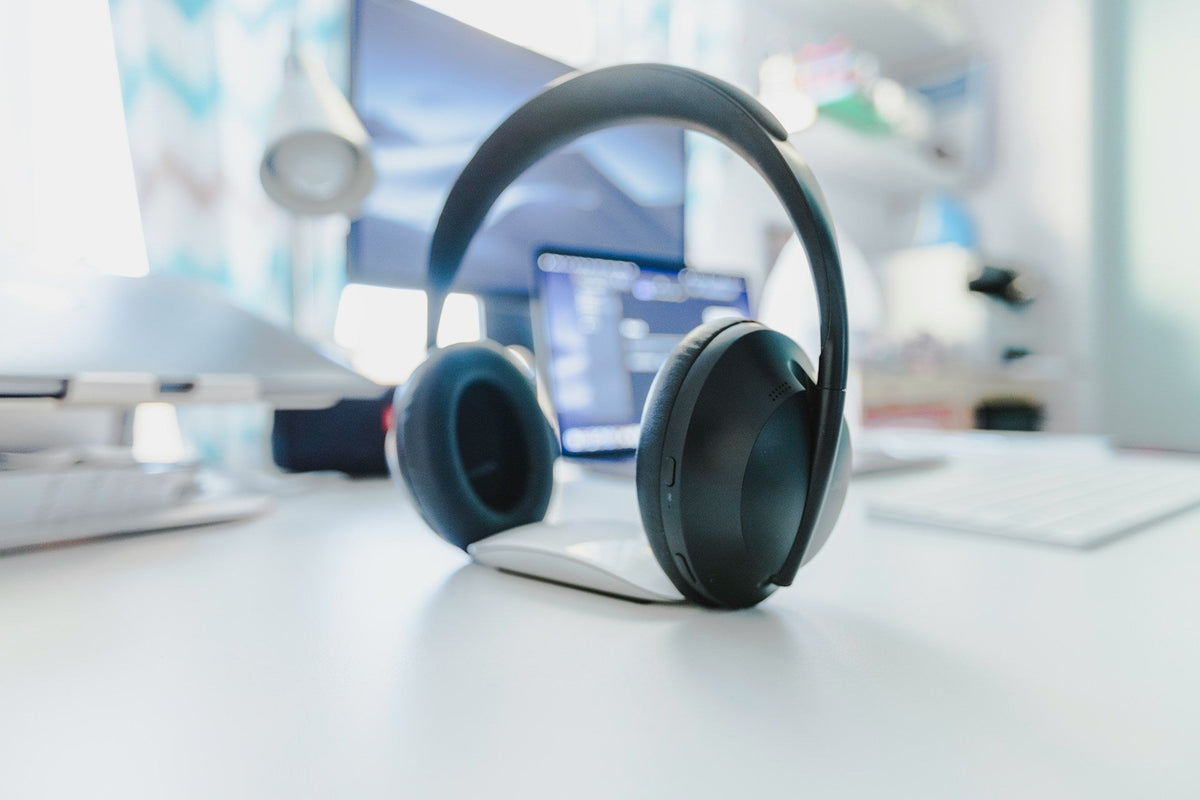
Stop Bad Bose Cushion Replacements Before They Harm More Than Comfort
A worn Bose ear pad is easy to spot. Your ears feel sore, the fake leather flakes on your shirt, and noise canceling is not what it used to be. Late-summer travel and back-to-school commutes tend to make this really obvious, because we use our headphones more on planes, buses, and trains. At that point, a Bose headphone cushion replacement sounds like a simple fix.
The problem is that the wrong replacement pads can do more than just feel a little off. Low-quality or incorrect cushions can strain the mounting rings, pull at the headband, and even change how hard you push or twist the earcups. Over time, that can mean cracked plastic, loose hinges, and weaker sound. Here we will walk through how to spot bad cushions before they go on your headphones, how to notice trouble after a swap, and how to pick safe, model-matched parts that protect your Bose investment.
At CentralSound, we focus on replacement parts for headphones and headsets, with model-specific cushions and clear photos that make DIY swaps easier to understand. We care about keeping good headphones in use longer, not sending them to the junk drawer early.
How Bad Cushions Can Damage Bose Headphones Over Time
Bose headphones like QuietComfort, QC35, QC45, and the 700 series are built around pretty precise earcup designs. The pads are not just soft rings, they help hold the cup together and shape the sound. When a replacement pad is off by even a little, the stress can show up in places you do not see right away.
Here is how poor pads can cause damage over time:
- Mounting stress: Backing plates that are too stiff or clips that are too tight can warp the plastic mounts on the earcups.
- Warped rings: Off-size plastic frames can bend the cup edges and, over time, lead to stress cracks.
- Driver strain: If the foam is too thin or too firm, your ear moves closer or farther from the driver, which can mess with the sound balance.
Bad cushions also affect the seal around your ear. If the pad is too flat or shaped wrong, sound leaks out and outside noise leaks in. Many people react by pushing the cups tighter or turning the volume up higher. That can mean extra work for the drivers and batteries during long listening sessions.
Materials matter too. Thin leatherette or low-grade foam can start to:
- Flake or peel into the earcup
- Crumble and drop debris into speaker grills and ANC microphones
- Stick to the cup with cheap adhesive that lets go in spots and glues too hard in others
When that happens, people often tug harder during removal or adjustment, which puts even more strain on small clips and tabs inside the earcup.
Visual Warning Signs of a Poor Bose Headphone Cushion Replacement
Before you ever click a new pad into place, you can spot a lot of problems just by looking closely at the cushions in your hand. This quick visual check can save you from forcing a bad fit onto your Bose.
Check the fit and shape first:
- Does the opening for your ear look centered and even, or a bit crooked?
- Are the pads clearly taller, shorter, or wider than your old ones?
- Do you see gaps when you gently place the cushion on the cup, without pressing?
Uneven stitching along the edge is another clue that the pad might not sit flat. If the outer ring looks wavy or lumpy, that uneven pressure can twist the mount when installed.
Material signs also tell you a lot. Watch for:
- Very shiny vinyl that looks like plastic more than leatherette
- Strong chemical smell when you open the package
- A loose, wrinkled surface that does not spring back when you smooth it
Press the foam with a finger for a few seconds. If it compresses almost completely flat and then stays flat, the density is not great and the pad will lose its shape fast.
Then flip the pad over and study the back side. Red flags here include:
- Flimsy backing rings that fold or flop easily
- Sharp plastic edges that could scrape your earcup when you install
- Mounting holes that do not line up with what you see on your original pads
- Random double-sided tape where you expect a snap ring or twist-lock style mount
If the back looks generic and not designed for your exact Bose model, that is a sign to stop and reassess.
Performance Clues Your New Bose Cushions Are Hurting Your Headphones
Sometimes the pads look fine in your hand, but once they are on the headphones they still cause trouble. The way your headphones feel and sound after a swap can tell you a lot.
Notice any changes in comfort and pressure:
- Do you feel new hot spots around your jaw or on the top of your ear?
- Do you need to extend the headband more than before just to get a normal fit?
- Does the clamp feel tighter, like the headphones are squeezing your head?
Extra clamp can mean the pads are thicker or firmer than they should be, which pushes the sliders and hinges past the range they were meant to use every day.
Listen for sound changes too. Right after your Bose headphone cushion replacement, pay attention if:
- Bass seems weaker or muddier than it did with the old pads
- Voices in music or podcasts sound hollow or far away
- Noise canceling seems less smooth or less steady than you are used to
Poor seal or wrong foam height can create leaks or block small ANC microphone ports, especially on models like Bose 700. If the headphones sound like a different pair after the swap, something in the pad fit might be off.
Durability in the first few weeks is another signal. Watch for:
- Seams starting to open near the corners
- Foam that shifts or bunches inside the pad when you twist the cups
- Adhesive creeping out around the edges of the earcup
If you find yourself constantly readjusting the pads to keep them in place, that extra movement is wearing on the adjustment arms and swivels too.
How to Choose Safe, Model-Matched Bose Cushion Replacements
The safest path is to use cushions that are clearly made to match your exact Bose model, not just “close enough.” Even pads that look similar can be a poor fit if they are meant for a different version.
Good habits when choosing pads:
- Check the exact model name on the headband or inside the earcup
- Do not mix models, like using QC35 pads on QC25, even if they look similar
- For Bose 700, only use pads that call out that model, since the earcup shape and mount are unique
Construction details matter too.
- Dual-layer or memory foam that slowly springs back, not sponge-like foam that collapses
- Clean, even stitching around the full edge
- Backing rings that are shaped for the right twist-lock or snap-on mount style that your Bose uses
At CentralSound, our Bose cushions are listed with clear compatible models and close-up photos of the back plates and mounting structures. Many parts also connect with video guides so you can see how the pads should look and move before you decide to install anything.
Step-by-Step Checks Before You Install New Bose Cushions
Once you pick a set of cushions, take a few minutes for simple checks before snapping them fully into place. This can prevent a lot of forced bending and accidental damage.
Start with a pre-install comparison:
- Put your old pad and new pad side by side
- Match overall size, shape, and ear opening, not just color
- Check that the backing structure has the same notch and tab layout
Lightly bend the ring. It should feel firm, not brittle. If it bends like a thin plastic lid, that is not a great sign.
Next, dry-fit and align each cushion. Gently place the pad on the earcup without locking it in. You want to see:
- All tabs lining up with slots or posts
- No need to twist or force the cup to make it reach
- The pad sitting flat against the cup, not bowed on one side
When everything lines up, follow a trusted install guide for your model. After the cushions are installed, give the headphones a final check. Rotate and tilt the cups, adjust the headband up and down, and listen for creaks or rubbing. Run a hand around each pad and feel for any gaps or areas that lift when you pull lightly at the edges.
Keeping up with these habits helps your Bose headphones stay comfortable and strong through long trips, busy school days, and daily listening. At CentralSound, we build our parts selection and guides around that same goal, so you can upgrade cushions with more confidence and less risk to the headphones you love.
Restore Comfort And Sound Quality To Your Bose Headphones Today
If your cushions are worn out, we make it simple to refresh your favorite pair with our dedicated Bose headphone cushion replacement options. At CentralSound, we carefully source parts so your headphones feel and sound as close to new as possible. If you have questions about fit, compatibility, or installation, just contact us and we will help you choose the right solution.


Leave a comment
All comments are moderated before being published.
This site is protected by hCaptcha and the hCaptcha Privacy Policy and Terms of Service apply.