
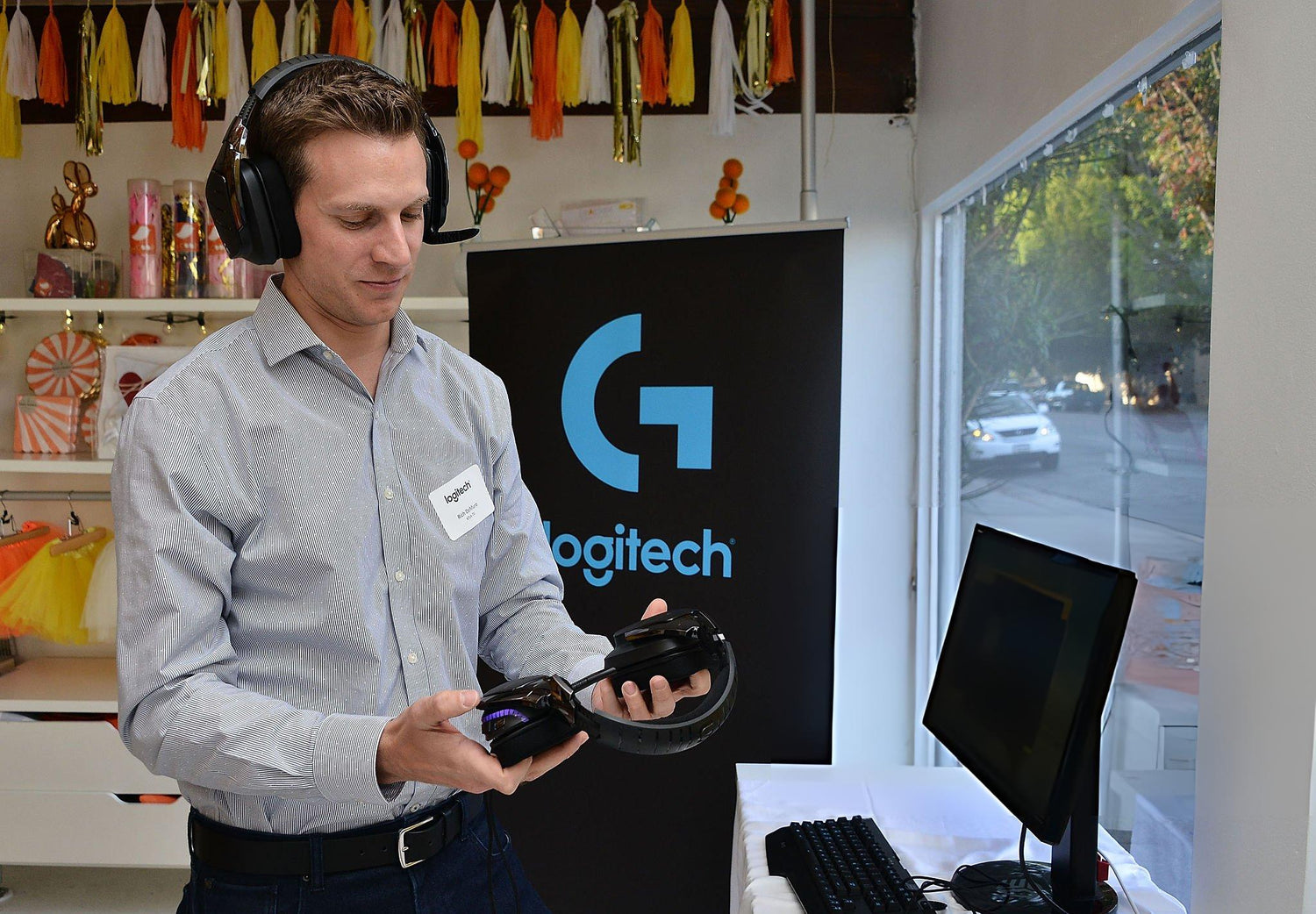
The Logitech G Pro X headset has earned its spot with gamers and streamers for good reason. It’s clear, lightweight, and reliable during long hours of use. But for many people, the real test comes down to comfort. And that’s where the ear pads make a big difference. If you’ve worn your Pro X for a while, you’ve probably noticed the stock cushions don’t always hold up over time. They can get warm, flatten out, or feel rough around the edges after regular use. Upgrading to cooling gel pads is one of the quickest ways to refresh your gear without changing the headset entirely. If you’ve been wondering whether it’s worth it to change out your Logitech G Pro X ear pads, this guide will break it down.
Why Swap Out Stock Earpads on the Logitech G Pro X?
The stock ear pads that come with the G Pro X are decent for short-term use, but they’re not made for the long haul. Over time, a few things tend to happen:
• The foam inside compresses from daily wear, making them feel flat and stiff
• The outer material starts to peel, especially around the edges
• They trap heat faster during long gaming sessions or in warm rooms
For people who spend hours at a time in front of a screen, that combination can stop being comfortable real fast. If your pads are trapping heat and moisture, you might start to get itchy, sweaty, or sore around your ears. Upgrading to gel pads helps a lot with that. They often come with memory foam and a cooling layer that’s better at staying breathable. That means less sweat buildup and less pressure over time.
People with more sensitive skin or those who wear glasses often feel an upgrade the most. Cooling gel pads form more evenly around your head and stay cooler to the touch, which takes pressure off the skin and stops hotspots from forming.
What to Look for in Aftermarket Cooling Gel Earpads
All replacement pads might look the same at first glance, but there are definite differences in how they’re built and how they hold up. Before picking a pair, here’s what to check:
• Padding material: Make sure they use memory foam inside, which helps with both shape and comfort over time
• Cover surface: You’ll usually find synthetic leather or mesh fabric on the outside. Synthetic leather tends to isolate sound better, while fabric breathes more but holds less seal
• Stitching and seams: Look for strong seams with tight stitching to hold the pad shape through months of use
You’ll also want to double-check that the pads are designed specifically for the G Pro X headset. Some pads say they’re made for Logitech, but don’t have the exact cut or mount ring needed for a snug fit. Misfit pads might pop off or block the drivers, which can mess with the sound.
It's a good idea to lay your headset on a table and compare the old pads with the new ones first. If they match in size and mount style, you’re likely good to go. CentralSound Premium XL oval ear pads are compatible with Logitech G Pro and Logitech G Pro X headsets and are available in cooling gel, hybrid (velour and protein leather), and all protein leather versions, so you can choose the feel that works best for you.
How to Install Your New Cooling Gel Earpads
Installing ear pads on the Logitech G Pro X is pretty simple once you’ve got everything in one spot. You don’t need anything fancy to swap them out. Just set aside a clean table and wash your hands before starting. Here’s what the steps usually look like:
1. Pull off the old pads by gently peeling them away from the ear cup. They’re held in place by a plastic mounting ring, not glue.
2. Line up the new pads with the same ring. Look for the notches or clips that match up with your headset frame.
3. Press the ring into place by working slowly around the edge. Use your thumbs to push in small sections until the whole ring clicks in.
4. Once they’re mounted, twist the headset gently to test the hold. Make sure there’s no looseness or sag.
After the pads are secure, it’s a good time to do a sound test. If anything sounds blocked or uneven, double-check the pads for folds or pressure spots. A smooth fit gives you the best balance between comfort and sound quality.
Tips for Maintaining Your New Earpads Longer
Good ear pads can easily last a year or more with a little care. Many of CentralSound’s replacement ear pads are about 50 percent thicker than typical stock pads and use premium memory foam, so they keep their shape and comfort longer when looked after properly.
Since cooling gel and memory foam are a bit more sensitive than standard padding, it’s worth treating them gently.
Here are a few habits that help keep them in better shape:
• Wipe them down now and then with a dry or barely damp cloth, especially after long sessions
• Let the headset rest on a stand instead of folding them up in a bag
• Keep them out of direct heat or sunlight, which can warp the foam over time
• Every couple of months, check for signs of cracking, sag, or looseness
If you play daily or live somewhere with higher heat, pads tend to show wear a bit faster. That doesn’t always mean they need replacing right away, but catching small changes early can help avoid sudden issues like pad separation or slipping during play.
Keep Your Headset Feeling Fresh for the Long Haul
Small upgrades like changing your ear pads can go a long way. For anyone using the Pro X for hours at a time, cooling gel pads bring better airflow, softer support, and longer-lasting comfort. They’re easy to install, easy to maintain, and make the headset feel new again without changing how it sounds. Orders from CentralSound ship from Fox Lake, Illinois, in the USA, so replacement pads arrive quickly when you are ready to refresh your setup.
Upgrade your Logitech G Pro X gaming experience with ease by exploring our full range of high-quality Logitech G Pro X ear pads. At CentralSound, we offer the latest cooling gel technology to keep you comfortable and focused during those extended sessions. Whether you're tackling an epic raid or an all-night work marathon, our ear pads enhance airflow and support. Discover how a small change can make a big difference and keep your headset feeling fresh.


Leave a comment
All comments are moderated before being published.
This site is protected by hCaptcha and the hCaptcha Privacy Policy and Terms of Service apply.