
How to Replace Sony WH-1000XM4 WH1000XM4 Battery Part Headphones
Do your Sony WH-1000XM4 headphones die early or won’t hold a charge? A new battery can bring back full listening time. This guide walks you through the swap.
Watch: Sony WH-1000XM4 battery replacement
Ready to order? Grab your XM4 battery.
Usually ships within one business day from Fox Lake, IL. Small USA family business, established in 2014.
Shop the XM4 Battery: $25.99What You’ll Need
- 1 replacement battery (SM-03, 1000mAh 3.7V)
Tools (not included):
- Plastic pry tool
- Small Phillips screwdriver
Step-by-Step: How to Replace the Sony WH-1000XM4 Battery
Step 1: Remove the right ear pad
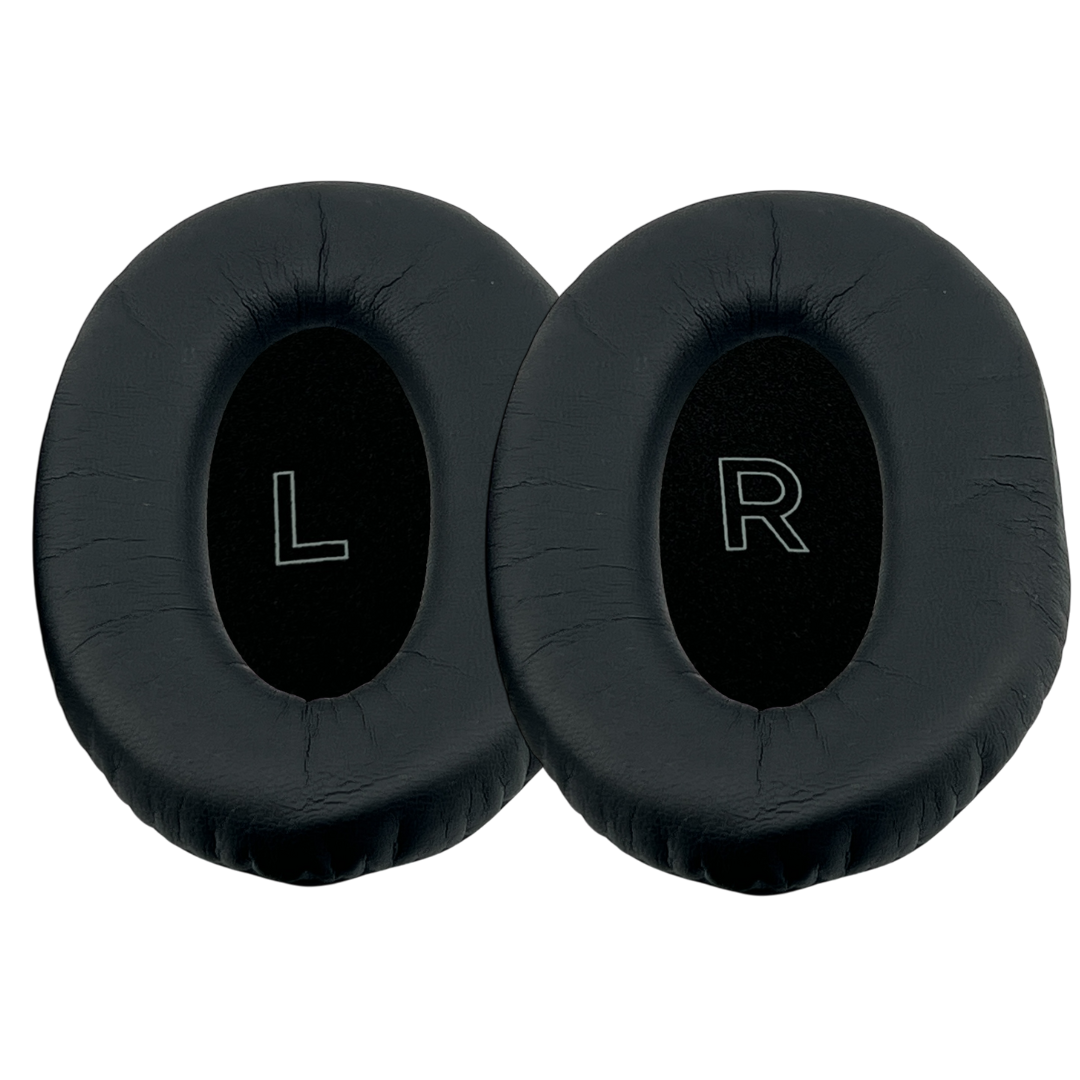
Pry up and remove the ear pad on the right side. Small plastic clips and posts hold it to the ear cup. Then take out the foam piece underneath.
Step 2: Remove the four screws
Unscrew the four screws with a small Phillips screwdriver, then separate the back cover from the ear cup.
Step 3: Disconnect the ribbon and power wires
Pull out the ribbon connector. Then pull the positive and negative power wire connector out of its socket.
Tip: Lift the power wires up and away from the tiny wires nearby so you don’t damage or break them.
Step 4: Disconnect the temperature sensor
Pull out the small ribbon connector for the temperature sensor.
Step 5: Remove the old battery
Gently pry the battery upward. A little adhesive holds it in.
Tip: Be careful not to poke or puncture the battery.
Step 6: Move the temperature sensor
Peel the temperature sensor ribbon off the old battery. It’s held on with a foam adhesive, so pinch and peel slowly. Stick it onto the new battery in the same spot.
Step 7: Install the new battery
Set the new battery in place and press down a little. Reconnect the temperature sensor ribbon, then the power connector.
Tip: Make sure the power connector isn’t upside down. Forcing it the wrong way can damage the pins.
Step 8: Reconnect the main ribbon
Push the wires down so they aren’t on top of the battery. Slide the main ribbon connector back in until it reaches the line that shows it’s fully seated.
Step 9: Close it up and test
Put the back cover on flush, reinstall the screws, set the foam in place and snap the ear pad back on with the posts and clips lined up. Plug in the charger. The LED may take a moment to come on.
Get your XM4s lasting again.
Usually ships within one business day from Fox Lake, IL. Small USA family business, established in 2014.
Get the XM4 Battery: $25.99Why Do Headphone Batteries Wear Out?
Lithium batteries lose capacity with every charge cycle. After a few years of daily use, your XM4s won’t last as long between charges or may shut off early. That’s normal battery aging.
Replacing just the battery brings back your listening time for far less than a new pair.
All Replacement Parts for the Sony WH-1000XM4
More parts made to fit the XM4:
Frequently Asked Questions
What tools do I need?
A plastic pry tool and a small Phillips screwdriver. Tools are not included, but our Sony repair tool kit has them.
Which side is the battery on?
The right side.
Do I need to solder?
No. The battery connects with plugs and ribbon connectors.
Will this fit the WH-1000XM3?
No. For that model, see our WH-1000XM3 battery.
DISCOVER · REPAIR · REVIVE
Your XM4s aren’t done yet.
Usually ships within one business day from Fox Lake, IL. Small USA family business, established in 2014. 20k+ positive reviews.
Shop the XM4 BatteryBrowse All Sony Parts